Use built-in Shopify reporting first. Evaluate Compass if reviewing Meta advertising alongside store sales remains awkward and its focused workflow saves meaningful effort.
Disclosure: We may earn a commission through Compass links. This article uses vendor documentation, not a hands-on store test. Product claims and screenshots are attributed to their sources.
This is an add-on decision
Compass and Shopify Analytics are comparable as ways to review performance, but they occupy different places in the stack. Shopify Analytics belongs to the commerce platform. Compass is an additional app for merchants who want a focused Meta-and-store reporting experience. Buying Compass does not remove the need for Shopify.
That makes the decision refreshingly practical: what can you already answer, what remains frustrating, and is the extra convenience worth the cost? A longer feature list is less useful than a better Monday-morning review.
| Decision area | Shopify Analytics | Compass |
|---|---|---|
| Role | Native reporting within your commerce platform. | Additional Shopify app focused on Meta and store performance. |
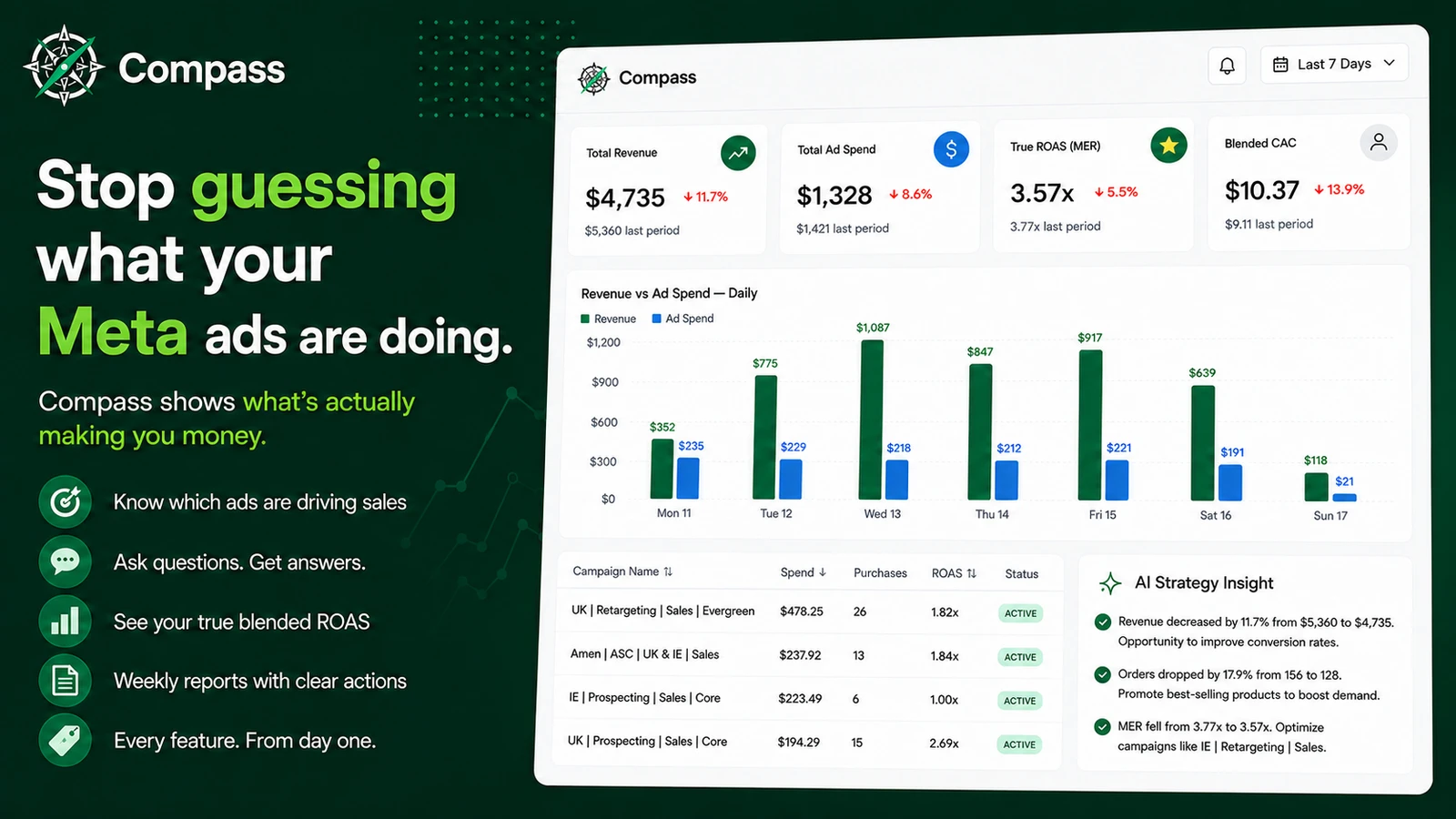
| Marketing analysis | Channel/campaign reporting and selectable attribution models. | Combined advertising/store dashboard and weekly reporting. |
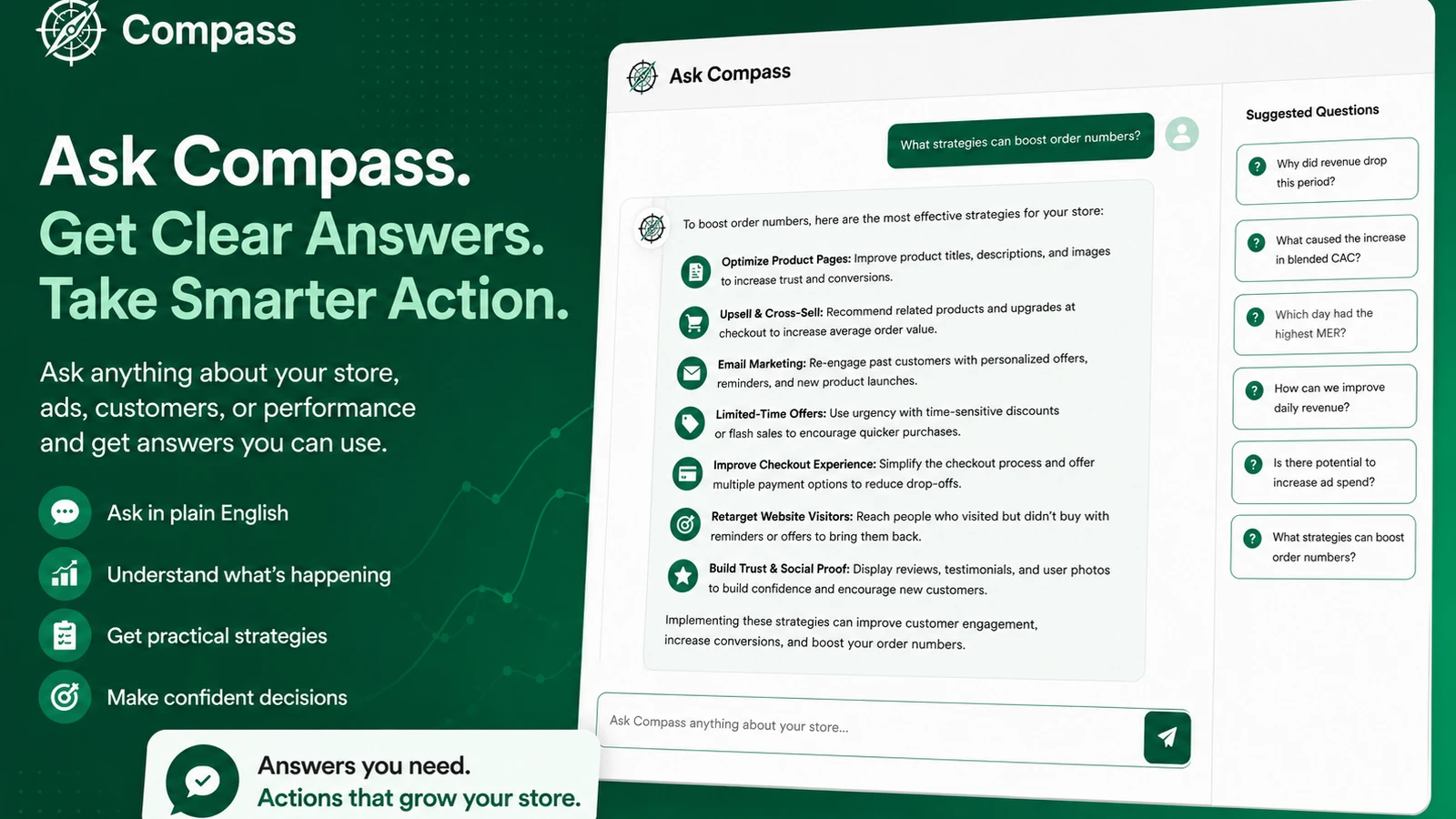
| Questions in plain English | Shopify documents Sidekick support for selected marketing-data queries. | Ask Compass is a core advertised feature. |
| Cost | Part of your Shopify subscription; verify your available reports. | $49/month or $490/year after a 14-day trial. |
| Campaign execution | Review the appropriate Shopify and Meta tools for execution. | Supplier says it does not make changes to your ads. |
| Best starting point | Merchants whose existing reports answer their questions. | Merchants whose Meta reporting routine remains cumbersome. |
Give the built-in option a proper chance
Shopify’s marketing reports already cover channels, campaigns and attribution. Its documentation also describes Sidekick queries for selected marketing data. It would be misleading to frame this as a platform with no analytics or AI capability versus an app that invents them.
Open your existing reports and try the same questions you would ask a new tool. Can you understand how the store performed? Can you identify which channels deserve further investigation? Can you save a view that makes the next review easier? If the answers are yes, keep the stack simple.
Where a focused app may feel better
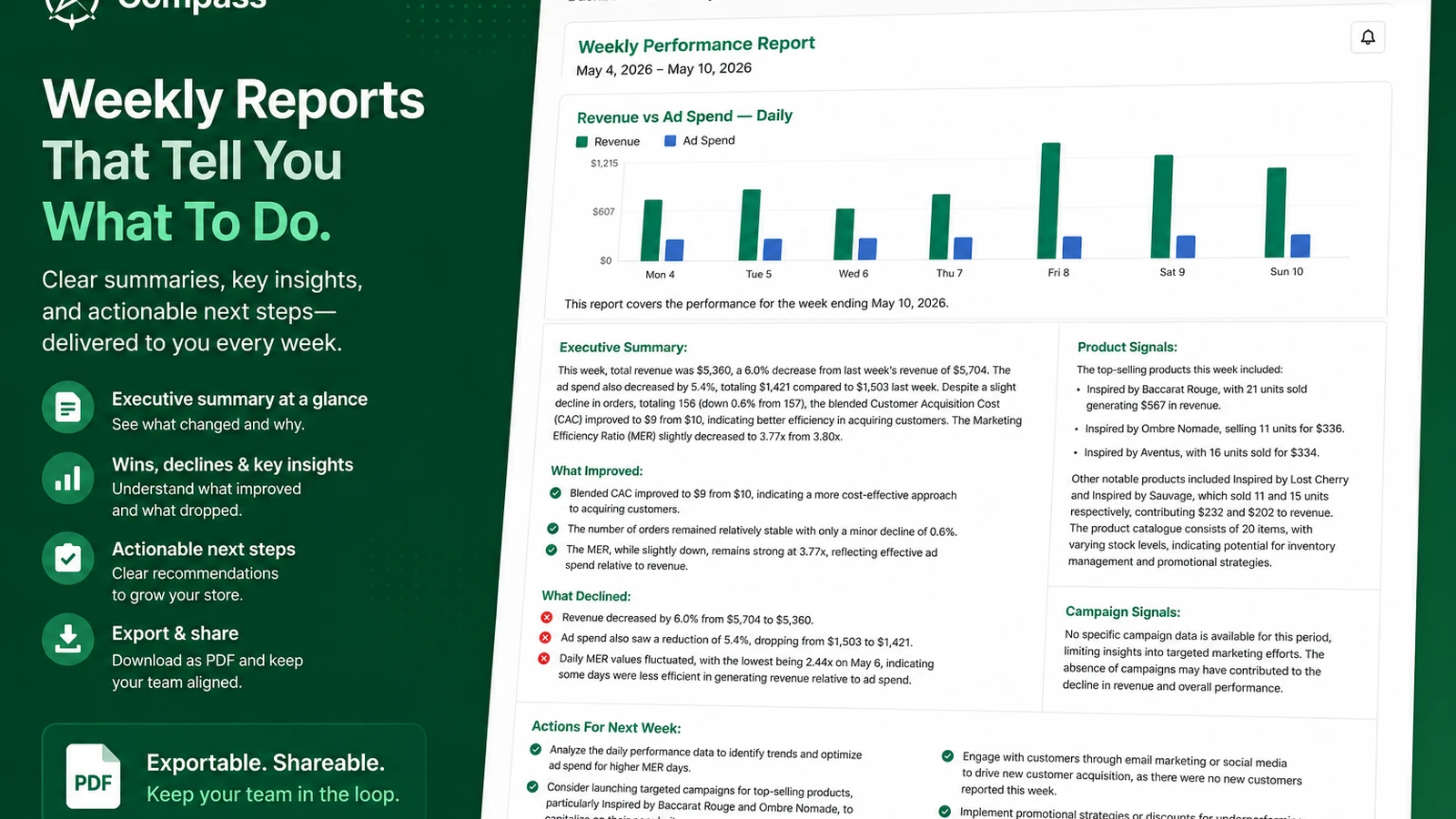
Convenience matters when the owner is also choosing stock, answering customers and arranging fulfilment. A dashboard that combines the relevant inputs can make a regular review more likely to happen. Weekly reporting can help establish that habit.
The value is therefore partly about how work gets done. One merchant may prefer Shopify’s reporting flexibility; another may prefer asking a question and checking the answer in Compass. We have not run a side-by-side usability test, so neither experience is presented here as a proven winner.
“The best reporting setup is the one you understand well enough to use consistently.”
Software Stack HQ · editorial takeaway
Price the overlap, not just the app
Compass’s published monthly price adds $588 over twelve months if you stay on monthly billing. Annual billing is listed at $490. Both sit alongside your Shopify costs and advertising budget. Ask whether the app removes another paid tool or adds to an existing pile.
A useful trial has a written success criterion. You might want a clearer weekly report, less time assembling figures, or easier answers to recurring questions. Record the starting routine and compare the result. Do not treat a strong sales week during the trial as evidence that the reporting app generated it.
What about the other software in your stack?
HighLevel is a more sensible comparison when the job is CRM, funnels and lead follow-up. EmailOctopus, SendPulse and Benchmark Email primarily address communication and marketing workflows. None should be described as a direct substitute for this specific Shopify-and-Meta reporting task without evidence.
If your actual problem is unanswered leads, choose a CRM or follow-up workflow. If it is email campaigns, assess email software. If it is interpreting store sales alongside Meta spend, assess the reporting tools. Buying for the right job prevents overlapping subscriptions.
Our assessment
Start with Shopify Analytics, especially if advertising is simple and the reports already answer your questions. Consider Compass when you run Meta ads, need a focused review routine, and can identify a benefit beyond another display of the same numbers.
Keep expectations proportional. The app had only three App Store reviews at our check, and we have not tested it hands-on. A trial can establish whether it fits your workflow; it cannot establish flawless attribution or guaranteed sales growth.
Questions worth asking
Does Compass replace Shopify Analytics?
No. It is an additional reporting app for an existing Shopify store, and Shopify’s own reports remain available.
Does Shopify already have AI reporting help?
Shopify documents Sidekick queries for selected marketing data. Check current capabilities against the precise task you need.
Is Compass worth the extra subscription?
It may be if the focused Meta-and-store workflow solves a real reporting problem. Begin with your existing reports and evaluate the incremental benefit during the trial.
Sources and editorial notes
Checked 21 October 2026. Screenshots are published by the supplier on its Shopify App Store listing. Pull quotes marked “editorial takeaway” are our commentary, not customer testimonials.