
Jotform: the quick facts
The short version, with numbers
Short version, no varnish: start free, and pay when the form earns its keep. The free Starter plan covers 5 forms and 100 submissions a month. Bronze at $34 a month on annual billing buys 25 forms, 1,000 submissions, branding removal and 100 payment submissions. That submission count is the number to compare: it is ten times what Typeform’s entry paid plan includes. Prices on this page were checked against vendor pricing pages and independent October 2026 pricing reads on 26 October 2026.
The plans, priced properly
Jotform sells five tiers, and the same account covers its whole product range — forms, approvals, e-signatures, apps and AI Agents all run off the one plan. Paying annually lowers every paid figure; the monthly figure is the price of staying flexible. All paid plans below are single-user accounts except Enterprise, which is the multi-user tier.
One footnote before the table. The limits that bite first are submissions per month and payment submissions per month, not the number of forms. A business with one busy booking form can hit Bronze’s 1,000 submissions while a business with twenty quiet forms never gets near it. Count submissions, not forms, when choosing.
| Plan | Annual (per month) | Monthly (per month) | Forms | Submissions / month | Payment submissions |
|---|---|---|---|---|---|
| Starter | Free | Free | 5 | 100 | 10 |
| Bronze | $34 | $39 | 25 | 1,000 | 100 |
| Silver | $39 | $49 | 50 | 2,500 | 250 |
| Gold | $99 | $129 | 100 | 10,000 | 1,000 |
| Enterprise | Custom | Custom | Unlimited | Unlimited | Custom |
US prices checked 26 October 2026. Annual figures are the per-month price when billed annually. Prices and offers vary by country and change over time — the figures shown when you sign up govern.
What you get on every plan
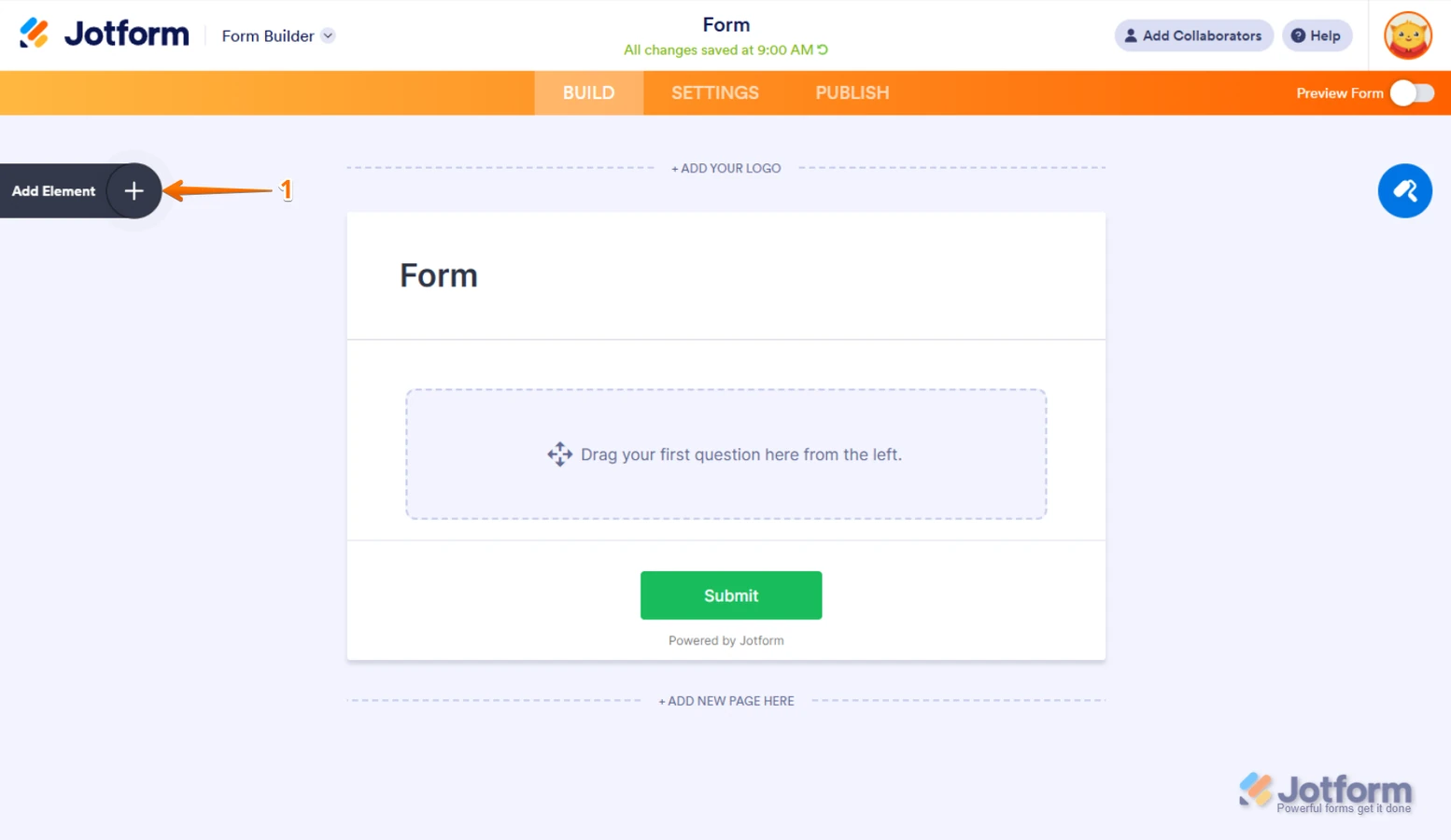
Thousands of templates. Starting from a template beats starting blank for almost every common business form: contact, quote, booking, application, order, registration, feedback. Templates are the fastest route to a form that looks finished.
Conditional logic and calculations. Show the right questions based on earlier answers, and total prices, quotes or scores inside the form instead of in a spreadsheet afterwards.
Payments built in. 40+ payment gateways, with payment submissions capped per plan. A form that sells or books with a deposit is a checkout page as much as a form.
File uploads and e-signatures. Collect documents, photos or signed agreements inside the same submission instead of chasing them by email afterwards.
Approvals and workflows. Route a submission through an approval chain — a manager signs off, the next step triggers — without bolting on a separate workflow tool.
Integrations that feed your other tools. 150+ integrations, including the CRMs, sheets and email tools a small business already runs, so a submission lands where the work happens.
AI Agents: the feature to test, not assume
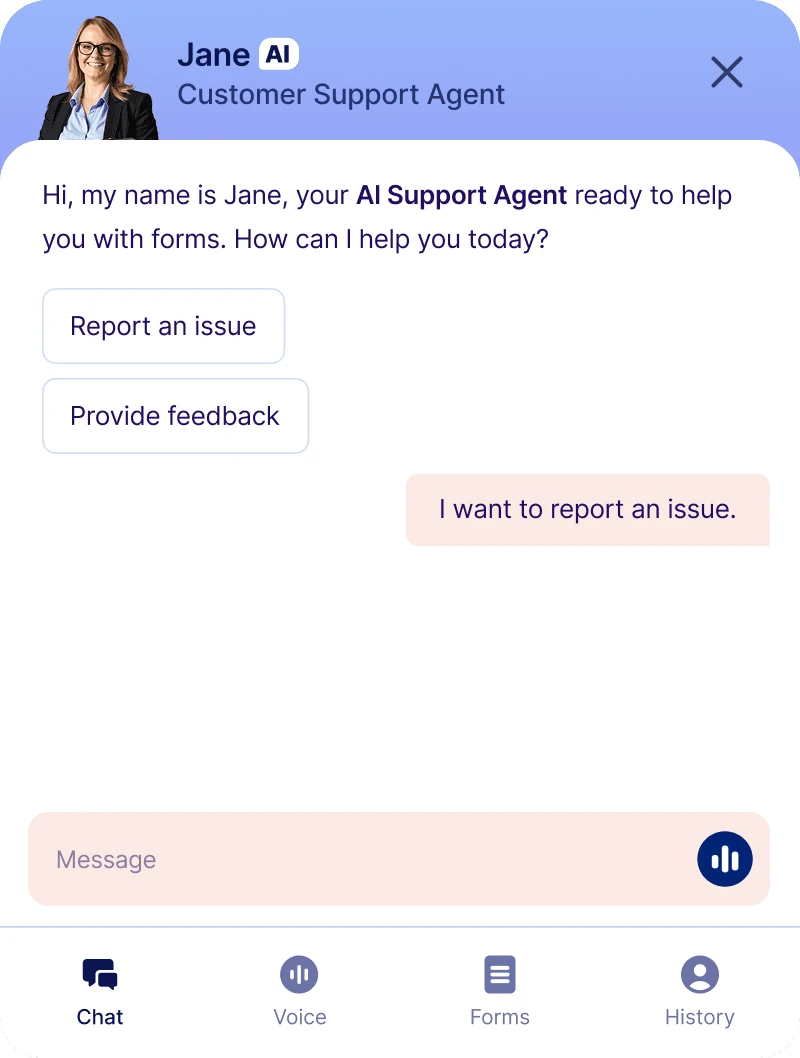
AI Agents sit on a form and answer a respondent’s questions by chat or voice, instead of leaving them to fill in boxes unaided. For a business that gets the same questions repeatedly — opening hours, prices, availability, what happens next — an agent can answer at midnight without a staff member involved.
The honest caveat is metering. Agent conversations, sessions, voice minutes and messages count against their own allowances, separate from form submissions, and those allowances scale by plan. Test an agent on the free plan’s allowance before promising it to customers, and check what a busy month of agent chats actually costs.
What only the higher plans add
Silver is the volume step: 50 forms, 2,500 submissions and 250 payment submissions a month, for a business running several live forms at once. At $39 a month on annual billing it is also cheaper than Typeform’s mid-tier Plus, which is the comparison that matters at this level.
Gold is the compliance and capacity step: 100 forms, 10,000 submissions, 1,000 payment submissions, and HIPAA features for anyone collecting health information. If health data is involved, Gold is not optional — the lower plans do not carry HIPAA.
Enterprise is the multi-user and security tier: unlimited forms and submissions, multiple users, single sign-on and custom terms. A solo operator or small team never needs it; a larger organisation with compliance requirements will.
Who Jotform fits — and who it does not
Jotform fits a business whose forms do work: bookings with deposits, quote requests that need approval, applications with documents attached, orders with payment, feedback that must reach the right person. It fits anyone replacing a patchwork of a free form, a payment link and an email inbox with one workflow.
Jotform does not fit a form that only asks questions. Google Forms is free, has no submission problem at that scale, and needs no learning curve. Paying for Jotform to run a staff survey is paying for machinery the job never uses. Our full comparison with Typeform makes the same point from the other side: buy Jotform for volume and workflow, buy Typeform for the conversational experience.
Jotform: FAQs
Is Jotform good for a small business?
Yes, when the form is part of a workflow rather than a one-off question. Contact and lead forms, quote requests, bookings, applications, orders with payment, approvals and signed documents all fit. If the only job is asking a few questions and reading the answers, free Google Forms does it and Jotform is overkill.
How much does Jotform really cost?
Budget the annual figure. Bronze is $34 a month billed annually ($39 month to month); Silver is $39 billed annually ($49 month to month); Gold is $99 billed annually ($129 month to month). The free Starter plan covers 5 forms and 100 submissions a month. Plans are per account, not per seat, except Enterprise.
Which Jotform plan should I choose?
One or two simple forms: Starter is free and may be enough. A business form that takes enquiries, bookings or payments: Bronze, for 1,000 submissions and branding removal. Several forms or higher volume: Silver, for 50 forms and 2,500 submissions. Health information or high volume: Gold, for HIPAA features and 10,000 submissions.
Does Jotform take payments?
Yes, on every plan including free within its limits: payment submissions are capped per plan (10 a month on Starter, 100 on Bronze, 250 on Silver, 1,000 on Gold), and it connects to 40+ payment gateways. A form that sells, books with a deposit or collects a fee is Jotform's home ground.
What are Jotform AI Agents?
Agents that sit on a form and answer a respondent's questions by chat or voice, instead of leaving them to a static form. They are metered separately from submissions — conversations, sessions, voice minutes and messages count against their own limits — so check the agent allowances on the plan before building a workflow around them.
When is Google Forms the better choice?
When the form only collects answers and nothing else: a quick survey, a simple signup, an internal poll. Google Forms is free, unlimited in the ways that matter for that job, and carries no branding problem. Pay for Jotform when the form must take money, route an approval, collect a signature or feed another system.
Sources and editorial notes
This page is an editorial desk-research breakdown, not a hands-on product test. Prices were checked against vendor pricing pages and independent October 2026 pricing reads on 26 October 2026 and are shown for the US edition; prices, offers and rates vary by country and change over time — the figures shown when you sign up govern.