
SiteGround: the quick facts
The short version, with numbers
Short version, no varnish: budget $4.99 a month for GrowBig in year one and $29.99 a month after it, and judge SiteGround on the second number. What that buys is managed WordPress hosting on Google Cloud, daily backups, free migration, staging from GrowBig up, and support that is consistently rated among the best in shared hosting. A single small site can start on StartUp at $2.99, renewing at $17.99. Prices on this page were checked against vendor pricing pages and independent October 2026 pricing reads on 26 October 2026.
The plans, priced properly
SiteGround sells three shared hosting tiers, and the same three tiers cover its WordPress hosting range — the infrastructure, pricing and features are the same, with WordPress pre-installed and managed on the WordPress product. Paying for a longer first term lowers the monthly intro figure; the renewal figure is fixed and much higher, which is why this review prints both side by side.
One footnote before the table. The visit figures — 10,000 on StartUp, 100,000 on GrowBig, 400,000 on GoGeek — are reference points, not hard cutoffs. The real constraint at each tier is server resources: more CPU and more files allowed as you step up. A site does not switch off at 10,001 visits; it slows down if it outgrows its tier.
| Plan | Intro (per month) | Renews at (per month) | Sites | Storage | Visits guide |
|---|---|---|---|---|---|
| StartUp | $2.99 | $17.99 | 1 | 10 GB | ~10,000 |
| GrowBig | $4.99 | $29.99 | Unlimited | 50 GB | ~100,000 |
| GoGeek | $7.99 | $44.99 | Unlimited | 100 GB | ~400,000 |
US prices checked 26 October 2026. Introductory prices apply to the first invoice; renewal prices apply after it. Prices and offers vary by country and change over time — the figures shown when you sign up govern.
The renewal jump, worked honestly
SiteGround's renewal jump is the steepest in mainstream shared hosting, and pretending otherwise would be dishonest. GrowBig at $4.99 becomes $29.99 — six times the intro price. Over three years on a 12-month intro term that is $59.88 for year one plus $359.88 a year after, about $780 in total. StartUp over three years is about $470; GoGeek about $1,175.
Whether that is good value depends entirely on what the site is worth. A business site taking bookings or sales earns the premium back through uptime, backups and support answered properly. A hobby blog does not, and should take the cheaper host instead — our comparison with Bluehost makes that case fairly. The expensive mistake is not choosing SiteGround. It is choosing SiteGround for the $4.99 figure and discovering the $29.99 figure a year later, by surprise, on an invoice.
What you get on every plan
Free SSL, CDN and email hosting. The basics are covered without add-ons: a certificate, Cloudflare CDN integration and email accounts on your domain.
Free domain for the first year. SiteGround's pricing page lists a free domain name on all plans — register one domain for a year at no extra cost when you sign up.
Free website builder. Every plan includes SiteGround's own drag-and-drop builder with templates and an AI assistant for page text — enough to get a simple site live fast. It is a beginner tool, not a design platform: anything serious still wants WordPress, which SiteGround pre-installs and manages, with staging from GrowBig up.
Daily automated backups. Every plan backs up daily with 30-day retention, which is the safety net most cheap hosts charge extra for or skip on the entry tier.
Free WordPress migration. Moving an existing WordPress site in is included on every plan, handled rather than attempted — the single biggest practical advantage over budget hosts.
SG Optimizer and managed caching. SiteGround's own plugin handles caching, image optimisation and performance settings, on Google Cloud infrastructure with SSD storage.
24/7 support. Chat, phone and tickets around the clock, from staff who know WordPress specifically. This is the feature SiteGround owners mention most, and the hardest one to put a price on until you need it at midnight.
30-day money-back guarantee. Every plan, which makes the first month a genuine trial rather than a gamble.
What only the higher plans add
GrowBig adds the two features most growing sites miss first: one-click staging, so changes can be tested before they go live, and on-demand backups alongside the daily automatic ones. It also adds Ultrafast PHP and unlimited websites, which is why it is the plan this review recommends for most sites.
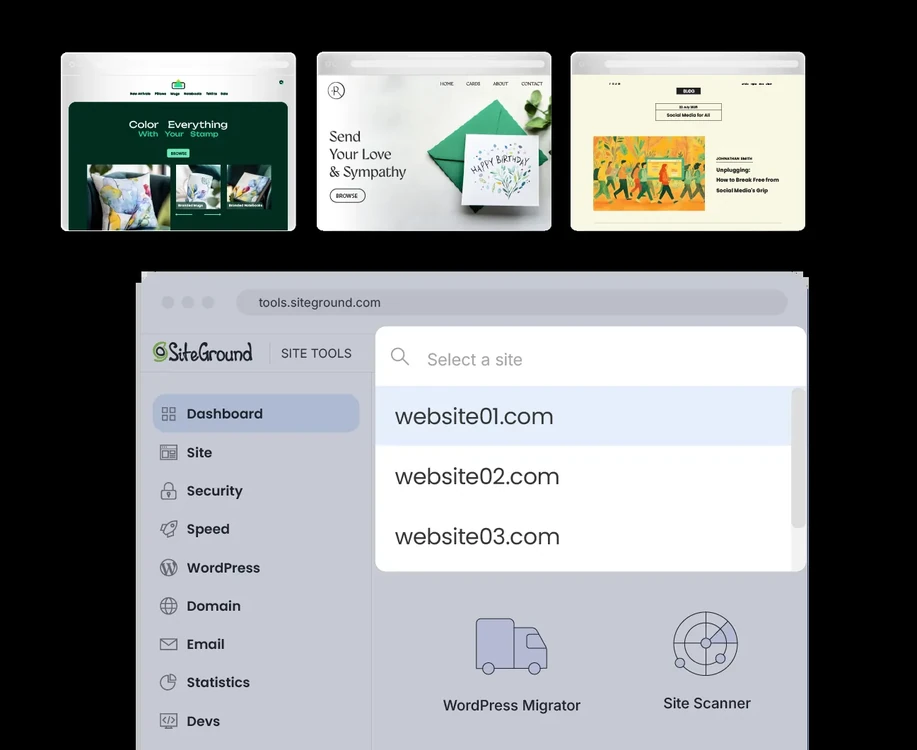
GoGeek adds Git integration and SSH access for developers, priority support, the highest resource limits, and white-label client management: clients get their own Site Tools login without SiteGround branding, and sites can be transferred to clients when a project is complete. That last point is why GoGeek is the agency plan, not just a bigger GrowBig.
StartUp's limits, stated plainly. One website, 10 GB of storage and no staging or on-demand backups. For a single small site that is enough. For anything you expect to grow, the missing staging alone is a reason to start on GrowBig instead of upgrading later.
Who SiteGround fits — and who it does not
SiteGround fits a business site where downtime costs money, a site owner who will use support properly, an existing WordPress site that needs moving, and an agency managing client sites on GoGeek. It fits anyone who has been burned by a cheap host's backup or support story and would rather pay for the managed version.
SiteGround does not fit a hobby blog, a first site on a tight budget, or a portfolio of many low-traffic sites where the renewal bill multiplies. For those, Bluehost's lower renewals and free first-year domain are the better deal, and this site says so in the head-to-head rather than burying it. A useful review recommends the cheaper rival when the cheaper rival is right.
SiteGround: FAQs
Is SiteGround good for WordPress?
Yes — it is one of the three hosts officially recommended by WordPress.org, alongside Bluehost and DreamHost, and its whole shared range is built around WordPress: managed updates, caching through the SG Optimizer plugin, and support staff who know WordPress specifically rather than hosting in general.
How much does SiteGround really cost?
Budget the renewal, not the intro. StartUp is $2.99 a month for the first term and $17.99 after; GrowBig is $4.99 then $29.99; GoGeek is $7.99 then $44.99. Over three years GrowBig costs about $780. The intro price is a trial of the platform; the renewal price is the subscription.
Which SiteGround plan should I choose?
One site under 10,000 visits a month: StartUp covers it. More than one site, or any site you want to test changes on before publishing: GrowBig, for staging and on-demand backups. Agencies and developers managing client sites: GoGeek, for Git, priority support and white-label client access.
Does SiteGround migrate my existing site for free?
Yes, on every plan. WordPress migration is included rather than charged, which removes the hardest part of switching hosts — and it is the single biggest practical difference between SiteGround and cheaper hosts that charge for migration help.
What is Site Tools, and will I miss cPanel?
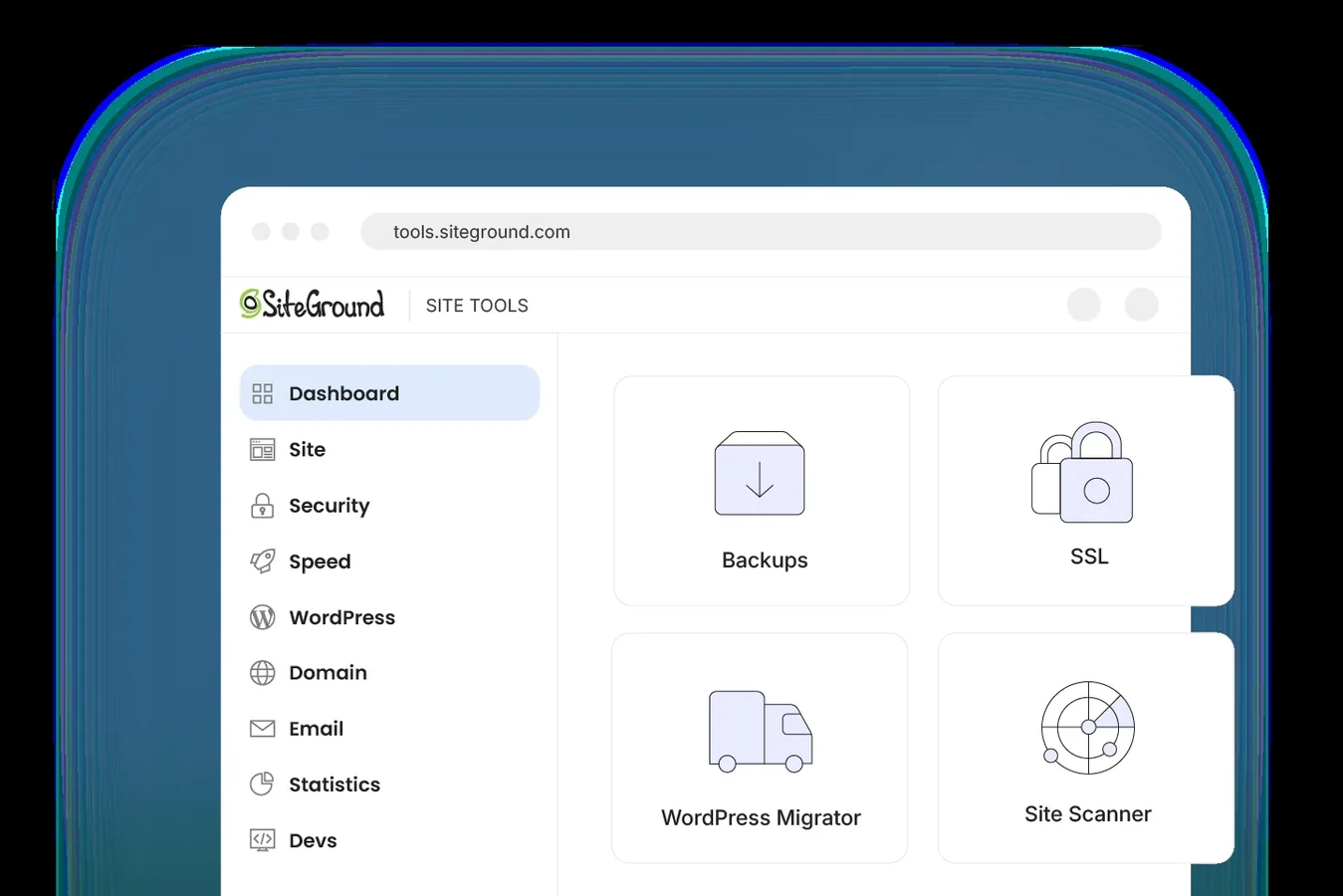
Site Tools is SiteGround's own control panel, replacing cPanel. It is modern, well organised and covers domains, email, databases, staging and security in one place. Anyone used to cPanel will need a short adjustment period, but nothing important is missing — and most beginners find Site Tools easier than cPanel.
Is there a cheaper host that is just as good?
Cheaper, yes; just as good, it depends what you value. Bluehost renews lower and includes a free domain for the first year, which makes it the better budget pick. It does not match SiteGround on support quality, daily backups on the entry plan or free migration. Our full comparison is SiteGround vs Bluehost.
Sources and editorial notes
This page is an editorial desk-research breakdown, not a hands-on product test. Prices were checked against vendor pricing pages and independent October 2026 pricing reads on 26 October 2026 and are shown for the US edition; prices, offers and rates vary by country and change over time — the figures shown when you sign up govern.